
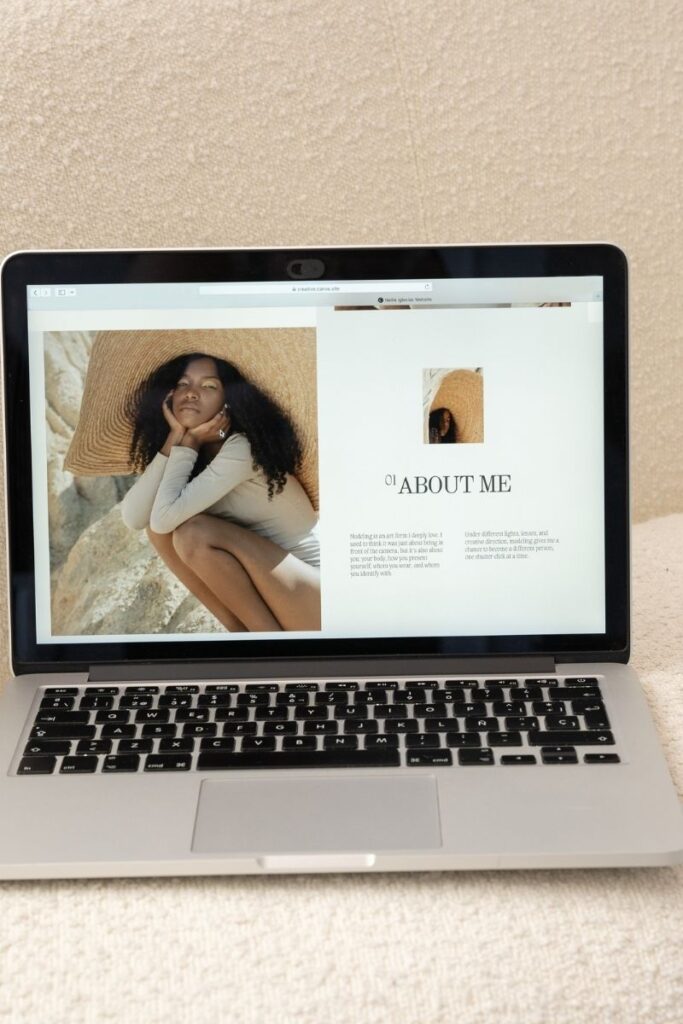

The frustration of watching your laptop struggle with a design program is something I’ve experienced far too often in my 10 years as a graphic designer. Selecting the right laptop has become crucial for both professional designers and beginners alike. I’ve tested countless laptops and guided hundreds of students through their hardware selections. The perfect laptop can make or break
More than 170 million people worldwide trust Canva for their creative projects, making it one of the fastest-growing design platforms in history. My background in graphic design and countless hours teaching photo editing techniques have shown me that Canva’s accessibility doesn’t compromise its power. After spending over ten years in graphic design and photography, I’ve discovered that Canva brings something
Did you know that over 170 million people use Canva worldwide, but according to a recent design survey, 68% of users admit they’re not using the platform to its full potential! As someone who’s trained hundreds of designers in Canva, I’ve seen the same mistakes pop up time and time again. Whether you’re creating social media graphics, presentations, or marketing
I’ve spent over ten years in graphic design, watching the landscape evolve from complex desktop software to intuitive cloud-based solutions. While Canva’s meteoric rise to 150 million active users is impressive, many designers feel restricted by its limitations. While teaching design at various levels, I’ve experimented with countless design tools, discovering hidden gems that deserve attention. The digital design world
When I checked my YouTube analytics last month, something fascinating jumped out at me – videos with custom thumbnails created in Canva had a 63% higher click-through rate than those using default video frames! Even more impressive, channels that maintain consistent thumbnail designs see an average increase of 89% in subscriber growth over six months. As a graphic designer who’s
Do you find yourself constantly using the same Canva tools in the tool bar? Use these Canva keyboard shortcuts to save time designing in Canva! Professional designers can cut their design time by 50-75% using keyboard shortcuts effectively, transforming hours of repetitive clicking into streamlined design sessions. The difference between high-output professionals and struggling beginners often comes down to mastering