

In the world of digital art, Procreate has risen as a top choice for creatives, offering an intuitive interface, a powerful suite of tools, and affordability. Artists ranging from beginners to seasoned professionals find Procreate indispensable for their digital artwork. Originally designed for the iPad, Procreate has changed the way artists create, paint, and design, providing a powerful toolkit for
Typography is an art form that extends beyond selecting fonts and colors. It’s about finessing every detail, including tracking, to create a design that is both visually appealing and easy to read. Tracking, also referred to as letter spacing, plays a crucial role in the overall readability and aesthetic of a design. This guide explores what tracking is, why it’s
As we approach 2024, we can expect to see a number of new graphic design trends emerge. Some of these trends continue current trends, while others are entirely new and innovative. One thing is for sure the world of graphic design is constantly evolving, and designers are always looking for new ways to express themselves. In this blog post, we
What is a script font? Script fonts are fonts that are designed to look like handwriting. They can be used for a variety of purposes, including wedding invitations, logos, and signage. There are many different types of script fonts, each with its own unique style. In this blog post, we will take a look at some of the most popular
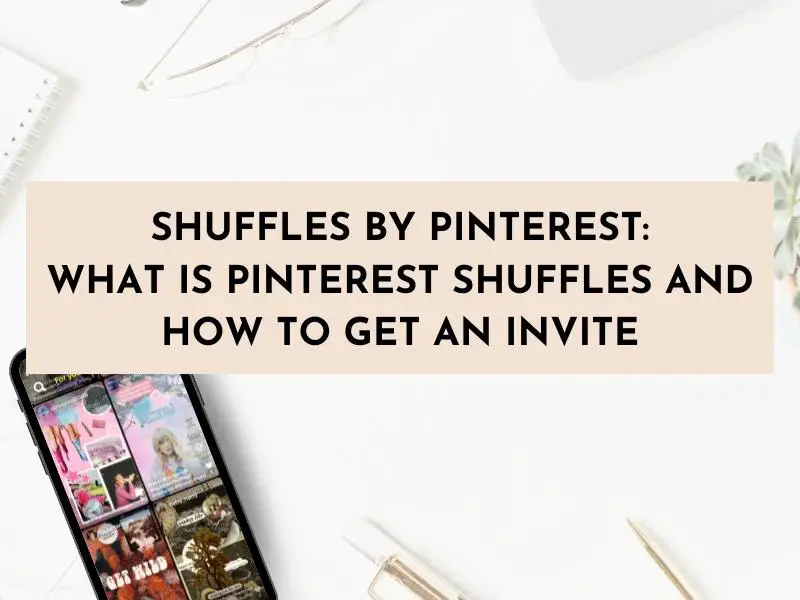
Pinterest Shuffles is the new invite-only feature from Pinterest that has graphic designers and bloggers buzzing with excitement. So, what is the Shuffles by Pinterest app and how do you get an invite? Keep reading to dive into what Pinterest Shuffles is, how to use Shuffles, and how to get an invite code to the new Shuffles app by Pinterest.
Do you have a photo or video with a distracting background that you want to remove? Canva’s Background Remover can help! This easy-to-use tool can be accessed on both Canva’s website and Canva’s mobile app and allows you to quickly and easily remove the background from your images and videos. In this blog post, I will show you how to